Adobe Photoshop Launches AI Assisted Editor Beta for Prompt‑Based Image Editing
Adobe’s beta AI Assisted Editor lets users edit photos with natural‑language prompts, offering tools like Remove Background, Generative Fill, and Prompt to Edit, while new non‑destructive light tools and Stock panel integration streamline workflows.

Adobe has launched a beta version of an optional “AI Assisted Editor” mode for Photoshop, offering a simplified, prompt‑based interface that replaces many of the program’s traditional, intricate editing tools. The new mode can be toggled from a button on Photoshop’s menu bar and can be hidden in Settings if users prefer the classic workflow.
When activated, the AI Assisted Editor presents a streamlined set of tools, each designed to let users edit images through natural‑language prompts or simple clicks. The interface includes:
* **Prompt to Edit** – Users type a description of the desired change, and Adobe’s Firefly model applies the edit to the entire image. This can transform a daytime shot into a night scene or replace rain with sunshine, for example. The tool supports several AI models, including FLUX 2 Pro, Gemini 3.1, GPT Image 2, and Adobe’s own model, and produces a new layer with two variations of the edited image.
* **Remove Background** – A quick way to erase backgrounds, refine edges, and adjust images with a few clicks.
* **Generative Expand** – Extends an image’s dimensions by generating new content that blends seamlessly with the existing composition.
* **Remove Tool** – Lets users eliminate unwanted objects or distractions while preserving realistic image quality.
* **Generative Fill** – Adds, replaces, or removes content based on simple text prompts.
* **Generative Upscale** – Increases resolution while maintaining sharpness and visual fidelity.
* **AI Markup** – An annotation tool that allows users to roughly sketch or click on a region and then add a natural‑language instruction, such as “Add more clouds” or “Change this shoe.” Firefly processes the instruction, and the user can further tweak the result in AI Assisted mode or switch back to the traditional Pro Editor.
Adobe says the Markup tool is especially useful for beginners or for professionals who need to sketch out a concept quickly. It reduces the learning curve by letting users communicate edits visually rather than manually manipulating layers.
Alongside the new editor, Photoshop now supports prompt‑based masked edits. Users can roughly select a portion of an image and then prompt Firefly to edit only that region. This addresses earlier criticism that prompt‑based editing sometimes degraded image quality or produced results that did not match the lighting or angle of the subject.
In addition to the AI features, Adobe added a non‑destructive layer tool for light adjustments. The new tool offers controls for Exposure, Contrast, Highlights, Shadows, Whites, and Blacks, delivering Camera Raw‑level results without leaving the Photoshop layers workflow.
The beta AI Assisted Editor also introduces two other tools aimed at giving users more control and fewer interruptions:
* **Dynamic Text, Shapes, and Paths** extends Photoshop’s Dynamic Text to any custom shape or path, allowing text to adapt automatically along curves and freeform layouts. This eliminates the need for manual rework when formatting text in complex designs.
* **Stock Panel Integration** places more than 900 million Adobe Stock assets in a dockable panel within Photoshop. Users can discover, preview, and insert assets without leaving their workflow.
The AI Assisted Editor beta is available today, while the other new tools will be generally available starting immediately. Adobe’s move to integrate AI more deeply into Photoshop reflects its broader strategy to make complex image editing more accessible, especially for users who prefer a conversational or prompt‑based approach over traditional pixel‑level manipulation.
Comments (0)
No comments yet — be the first to weigh in.

Energy biz SSE smacked around in court by a guy and AI
An Oxford doctoral student has defeated British energy provider SSE Energy Supply in court after utilizing artificial intelligence models to build his legal def...
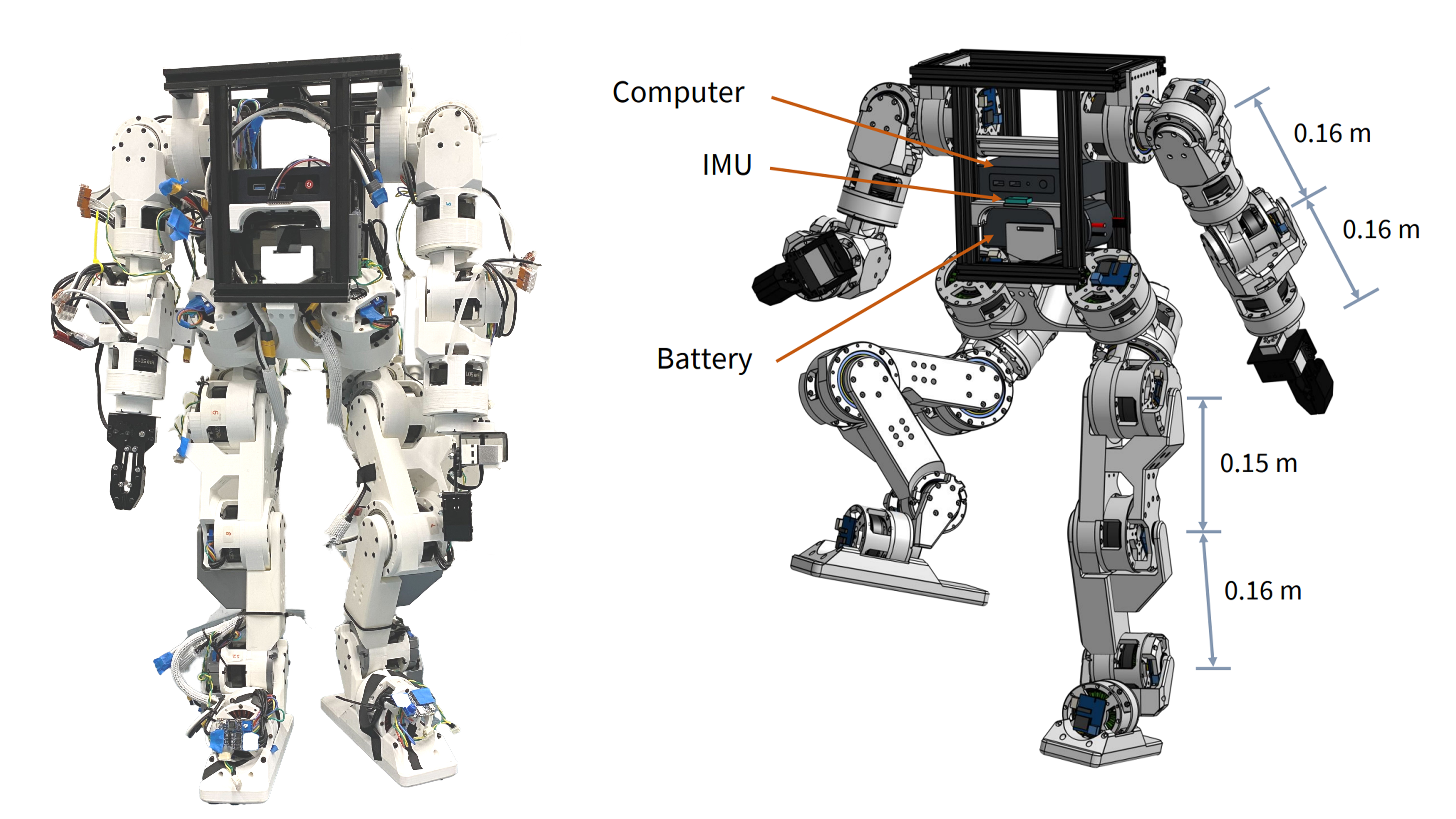
Berkeley Humanoid Lite: Affordable Open-Source Robot with DIY Actuators
Explore the Berkeley Humanoid Lite, a budget-friendly open-source robot featuring 3D-printed actuators under $5,000 USD. Learn how its modular design benefits DIY projects.

Woodstove Safety Monitor: Oru System Alerts Users to Temperature Fluctuations
Discover how the Oru woodstove assistant helps prevent dangerous chimney fires by monitoring exhaust gas temperatures and alerting users to temperature changes.
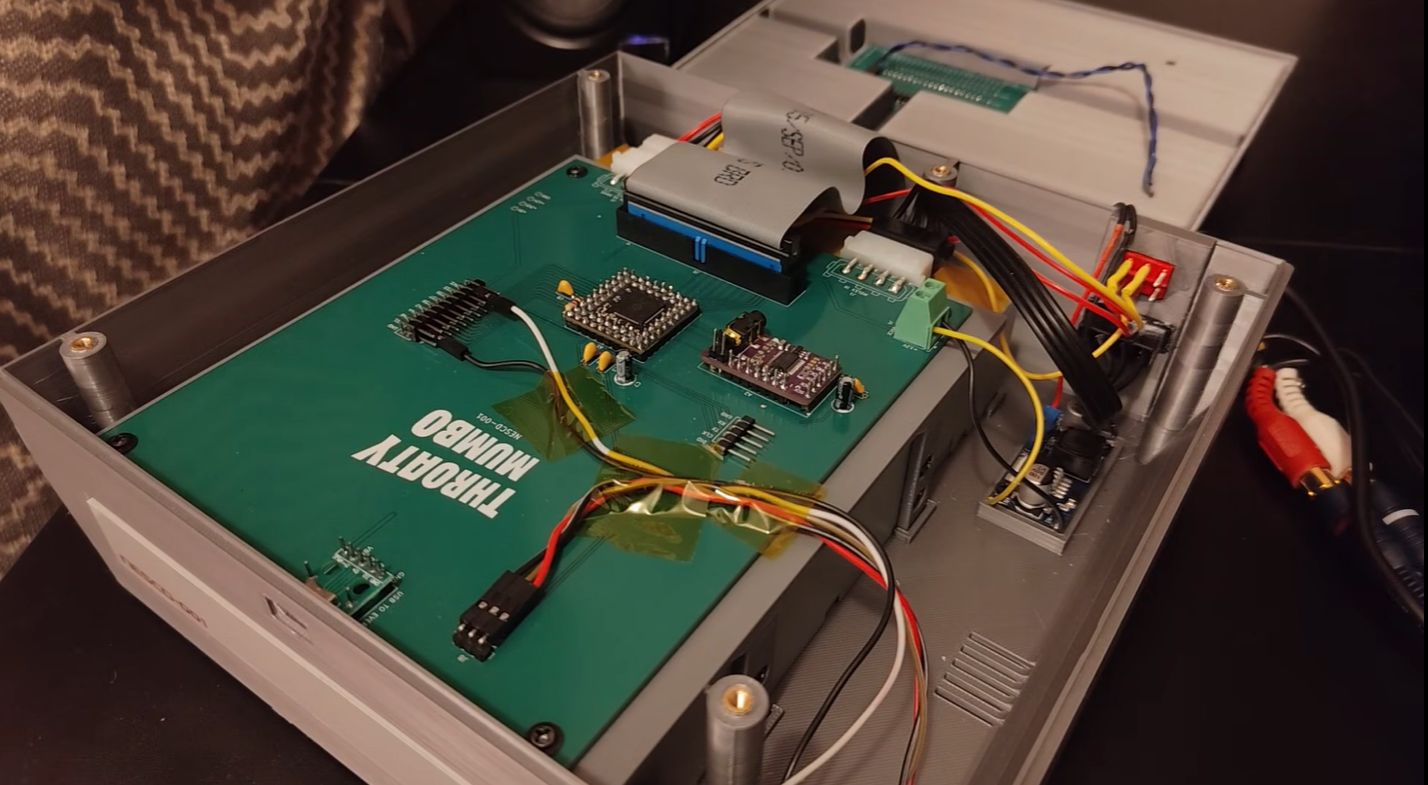
NES CD Add-On Revives 1980s Gaming with Optical Storage
Explore how a DIY project integrates a CD drive with the NES using an RP2350B microcontroller and Everdrive N8 Pro for expanded storage and audio playback.

Mumbai’s Vile Parle Cypher is giving unheard rappers a voice

Enrich and Ultimo impress

Karnataka CM Signals Review of 5% Park Land Amendment Bill in Assembly

